
IRON NEST: Heavy Turret Simulator challenges you to master artillery firing, where precision is key to taking down enemy targets. Knowing how to calculate gun elevation manually becomes essential, especially when your TDC computer is out of commission. The game uses a straightforward linear formula, giving you full control over aiming without complicated ballistics or reliance on technology.
Extensive testing confirms that this calculation perfectly aligns with the elevation displayed on the in-game TDC computer. Understanding how to perform this yourself ensures uninterrupted firing capability throughout your missions.
How to Calculate Elevation Manually
Gun elevation can be determined with this simple formula:
Elevation = Distance × 0.012 ÷ Number of Charges
All you need is two key pieces of information:
- The distance to the target (in meters or kilometers)
- The number of powder charges you plan to use
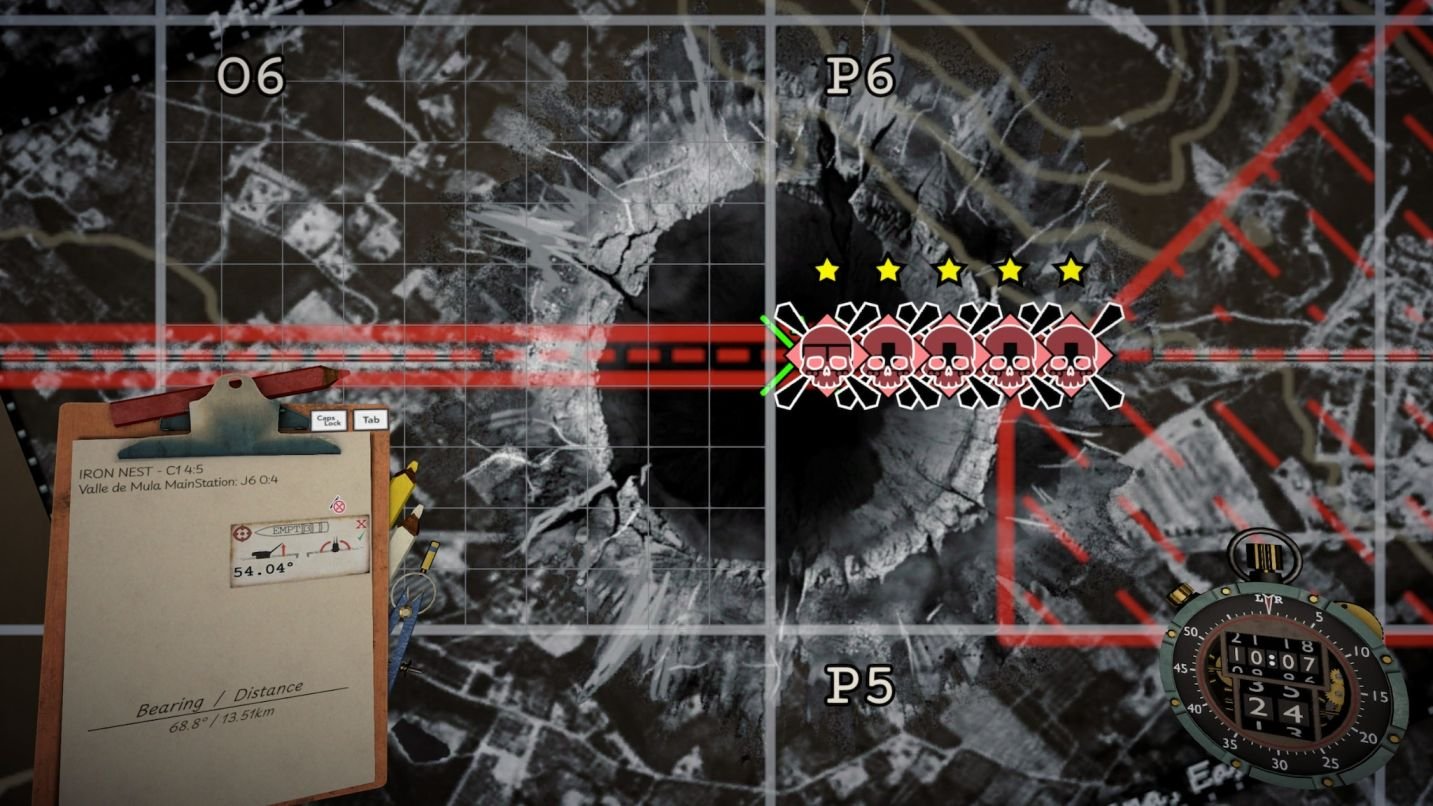
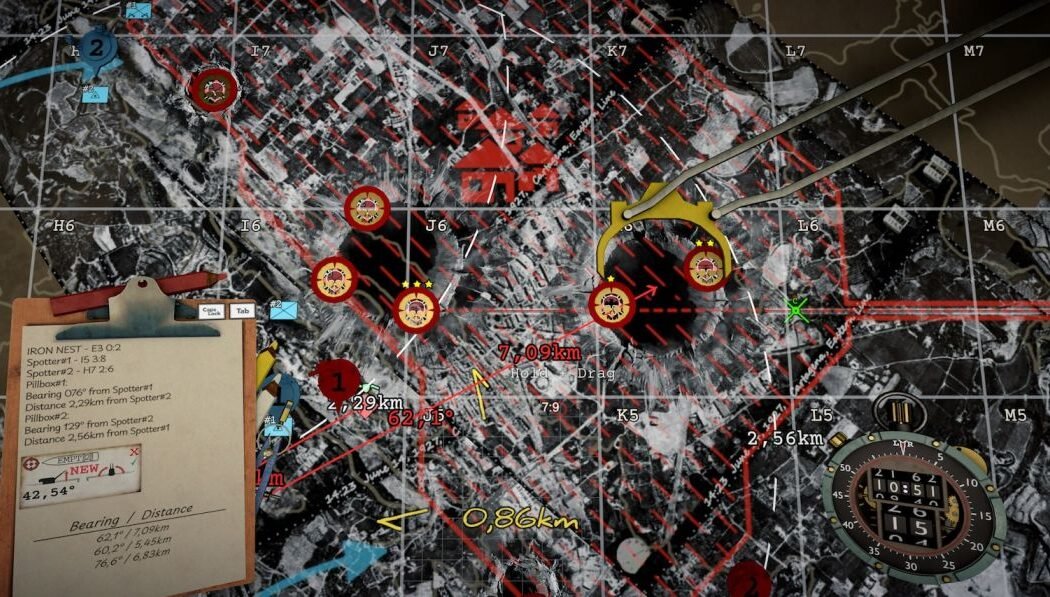
Use the red pencil tool to accurately measure distance on the in-game map for precise calculation.
Example 1: 6,470 meters with 2 charges
For a target 6,470 meters away, 2 charges suffice to reach it since 2 charges cover roughly 10 km.
Multiply the target distance by 0.012:
6,470 × 0.012 = 77.64
Divide by the number of charges (2):
77.64 ÷ 2 = 38.82°
This is the elevation angle you should set for your gun.
Check your result against the TDC computer; it will confirm the same angle.
You can check the result on the TDC computer, and it will show the same angle.
Example 2: 4,300 meters with 5 charges
Using more charges than necessary reduces elevation angles and speeds up shell flight.
For 4,300 meters and 5 charges, calculate:
4,300 × 0.012 ÷ 5 = 10.32°
Set the gun elevation to this angle for an efficient shot.
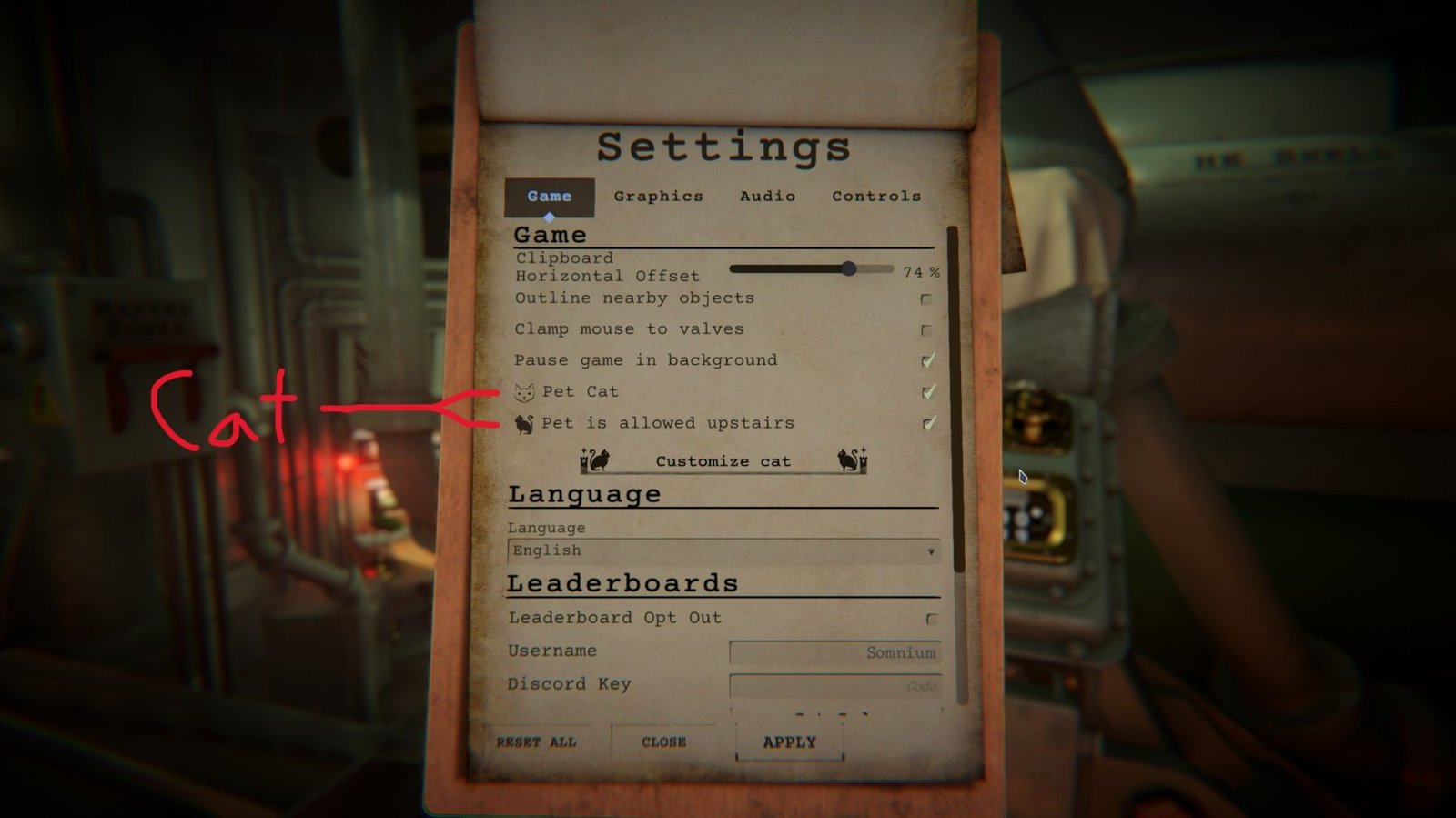
When you need a breather from artillery math, explore how to find and customize your feline companion within IRON NEST for some lighthearted fun.
Example 3: 8,200 meters with 2 charges
A target at 8,200 meters using 2 charges requires:
8,200 × 0.012 = 98.4
Divide by 2 charges:
98.4 ÷ 2 = 49.2°
Adjust your gun elevation to 49.2° to hit the target.
Example 4: 13,500 meters with 3 charges
For a distant target at 13,500 meters using 3 charges:
13,500 × 0.012 = 162
Divide by 3:
162 ÷ 3 = 54°
Set the elevation accordingly to 54° for precise aiming.
Remember, the number of powder charges directly impacts the elevation angle and shot speed.
Faster Formula With Kilometers
No need to convert units every time; simply use kilometers in your formula:
Elevation = Distance in km × 12 ÷ Charges
For example, 6.47 km and 2 charges:
6.47 × 12 ÷ 2 = 38.82°
This shortcut streamlines your calculations, even on the fly.
Quick Charge TableTo save time, you can also refer to a quick reference table matching powder charges to multipliers for elevation calculations:
| Powder Charges | Maximum Range at 60° | Quick Formula Multiplier |
|---|---|---|
| 1 | 5 km | Distance × 12 |
| 2 | 10 km | Distance × 6 |
| 3 | 15 km | Distance × 4 |
| 4 | 20 km | Distance × 3 |
| 5 | 25 km | Distance × 2.4 |
| 6 | 30 km | Distance × 2 |
Distance values in this table should be entered in kilometers for accurate results.
If targeting 17.58 km with 4 charges, apply:
17.58 × 3 = 52.74°
Use this angle directly for quick aiming without full calculation.
Another Easy Method: ProportionSome operators find proportions intuitive for adjusting elevation, particularly when a known maximum range and elevation for a charge count exist:
Example: 2 charges reach 7.5 km at 45°. To find elevation for 6.28 km:
7.5 : 45 = 6.28 : X
Solving for X gives:
X = (45 × 6.28) ÷ 7.5 = 37.68°
This provides a quick estimate of the needed elevation angle.
The Fastest Method: Use 6 ChargesIf you prefer to avoid multiplying by varying numbers, simply use 6 charges every time. This simplifies your formula to:
Elevation = Distance in km × 2
For instance, an 8.64 km target requires an elevation of 17.28°, while 17.5 km needs 35°.
Though this approach uses more powder, charges are inexpensive and a lower angle means faster aiming adjustments on the turret.
More Charges Make the Shell Travel FasterIncreasing powder charges boosts the shell's velocity, allowing it to reach targets quicker and at lower elevations.
For example, the time difference between a 5 km shot with 1 charge and with 6 charges can be significant, favoring quicker engagements.
However, higher charges consume more powder, requiring you to balance resource use with combat speed.
An Alternative FormulaYou can also calculate elevation using the maximum range formula:
Elevation = (Target Distance ÷ Maximum Range) × 60
Maximum range depends on charges, roughly 5 km per charge at 60°.
For example, 2 charges give a maximum range of 10 km. Therefore, a 9.44 km target would require:
(9.44 ÷ 10) × 60 = 56.64°
This aligns perfectly with earlier calculation methods, confirming consistency.
Use a Guiding ShotIf unsure about exact distance or math, fire a guiding shot first. Observe the shell’s impact and adjust elevation accordingly before committing to lethal rounds.
Many operators also fire dud rounds for this purpose, trading a few extra shots for greater accuracy and confidence under pressure.
This practical approach offers a reliable fallback when your computational tools fail or you lack precise data.
Does Ammunition Type Change the Elevation?
The ammunition type does not affect the elevation angle. Tests show trajectory is determined solely by target distance and powder charges.
The TDC computer may display ammo types, but they don't alter firing calculations, so focus your calculations on distance and charges alone.
Do You Need the TDC Computer?The TDC simplifies and automates firing calculations, but manual formulas grant independence if it breaks or is unavailable.
It also organizes firing data and generates firing cards, which remain useful aids, but they are not mandatory for calculating elevation.
Manual calculation is especially valuable during missions where the computer becomes damaged or you want to verify angles quickly.
Final Formulas to RememberKeep these essential formulas handy to master artillery aiming:
- Elevation = Distance in km × 12 ÷ Charges (General formula)
- Elevation = (Distance ÷ (Charges × 5)) × 60 (Using maximum range)
- Elevation = Distance × 3 (If using 4 charges)
- Elevation = Distance × 2 (If using 6 charges)
With distance and charges known, calculating elevation manually is straightforward, empowering you to maintain accuracy without technology.
The game intentionally simplifies artillery physics into linear calculations, making manual targeting accessible without complex troubleshooting.
Grab the distance from the map, choose your charges, punch numbers into a phone calculator, and set your gun's elevation rapidly during combat.
Happy firing, Operator.
Some players also use drill or dud rounds for the same purpose. Fire one, check the impact, adjust the angle, and then use the proper ammunition.
This method takes more shots, but it can be useful when the computer is unavailable.
Does Ammunition Type Change the Elevation?
No.
One player tested this and found that the ammunition type does not change the trajectory angle. The TDC can display the ammunition type on the firing card, but it does not change the elevation calculation.
So you can focus on the distance and number of charges when calculating the angle.
Do You Need the TDC Computer?
Not for the elevation calculation.
The TDC is still useful because it handles the calculation for you and organizes your firing information. It can also prepare firing cards with the target, ammunition, azimuth, elevation, and charge count.
The manual formula gives you another option.
It is very useful during the mission where the elevation computer gets damaged.
Final Formulas to Remember
Keep these formulas handy:
Any number of charges:
Elevation = Distance in km × 12 ÷ Charges
Using the maximum range:
Elevation = (Distance ÷ (Charges × 5)) × 60
Using 4 charges:
Elevation = Distance × 3
Using 6 charges:
Elevation = Distance × 2
So if you know the target distance and your number of charges, you can calculate the elevation yourself without relying on the computer.
The game does not simulate real-world artillery ballistics here. The calculation stays linear, which makes manual firing much easier than trying to recreate real artillery mathematics.
For quick shots, grab the distance from the map, pick your charges, enter the numbers into a calculator, and set the elevation.
Happy firing, Operator.